---
updatedAt: 2026-05-26T16:16:19.000Z
agentTools:
projectIndex: https://docs.logrocket.com/llms.txt
---
# Streaming Data Export Setup
Setup your streaming data export destination
> 📘 Complete the Prerequisites Before Beginning
>
> Before configuring your destination, be sure to complete the appropriate prerequisites for your desired destination type.
>
> [Prerequisite Documentation](https://docs.logrocket.com/docs/data-warehouse-configuration-guides)
Watch a [Demo](https://app.arcade.software/share/tbhbQwfTVErefBQl13N1) for how to quickly setup Streaming Data Export!
## Step 1: Visit the Streaming Data Export Settings Page
Visit [Streaming Data Export Settings Page](https://app.logrocket.com/r/settings/streaming-data-export). Choose the destination type you would like to configure.
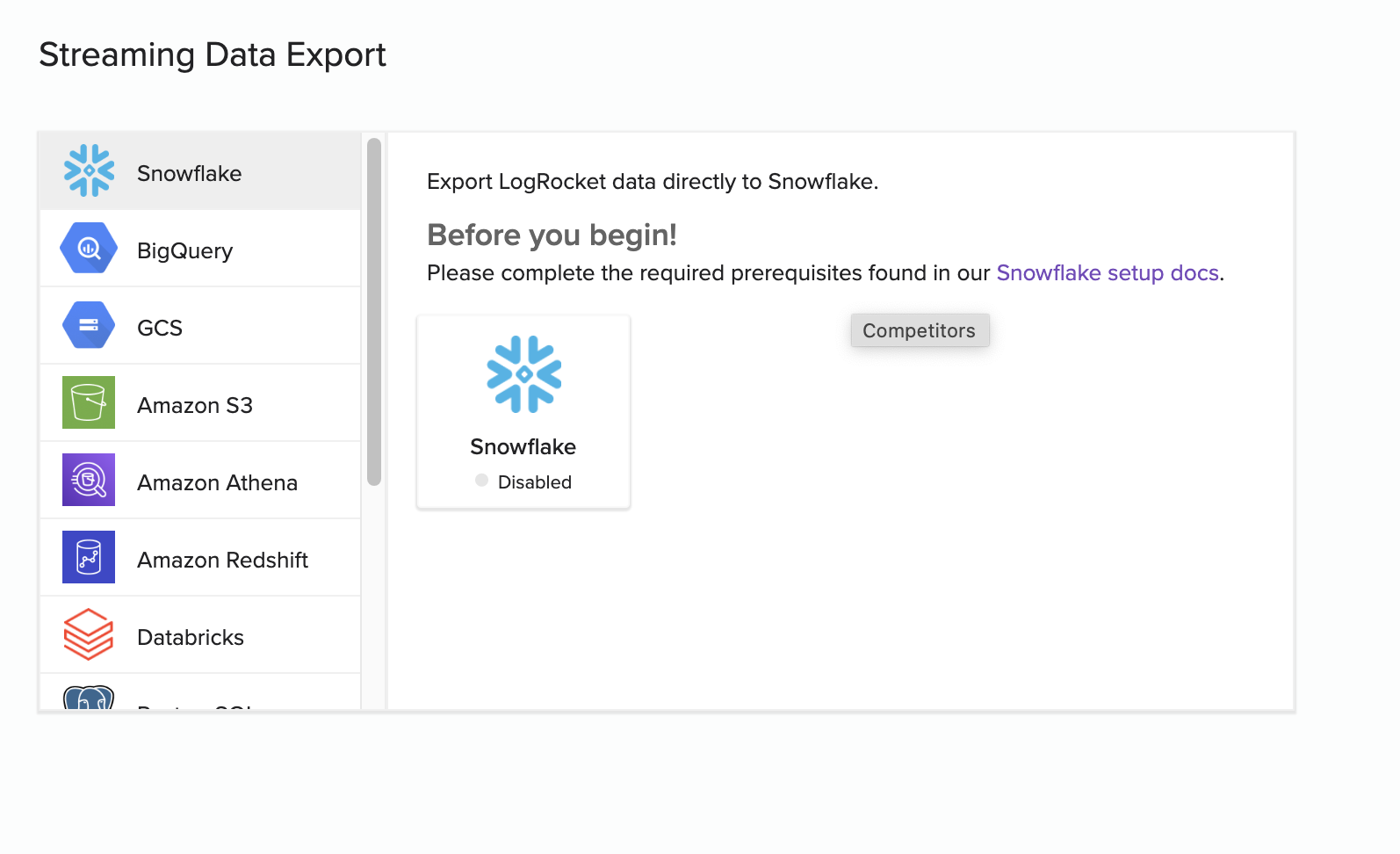
## Step 2: Complete the initial setup form
For example, when configuring Snowflake you will be asked to provide the host address of the Snowflake instance.
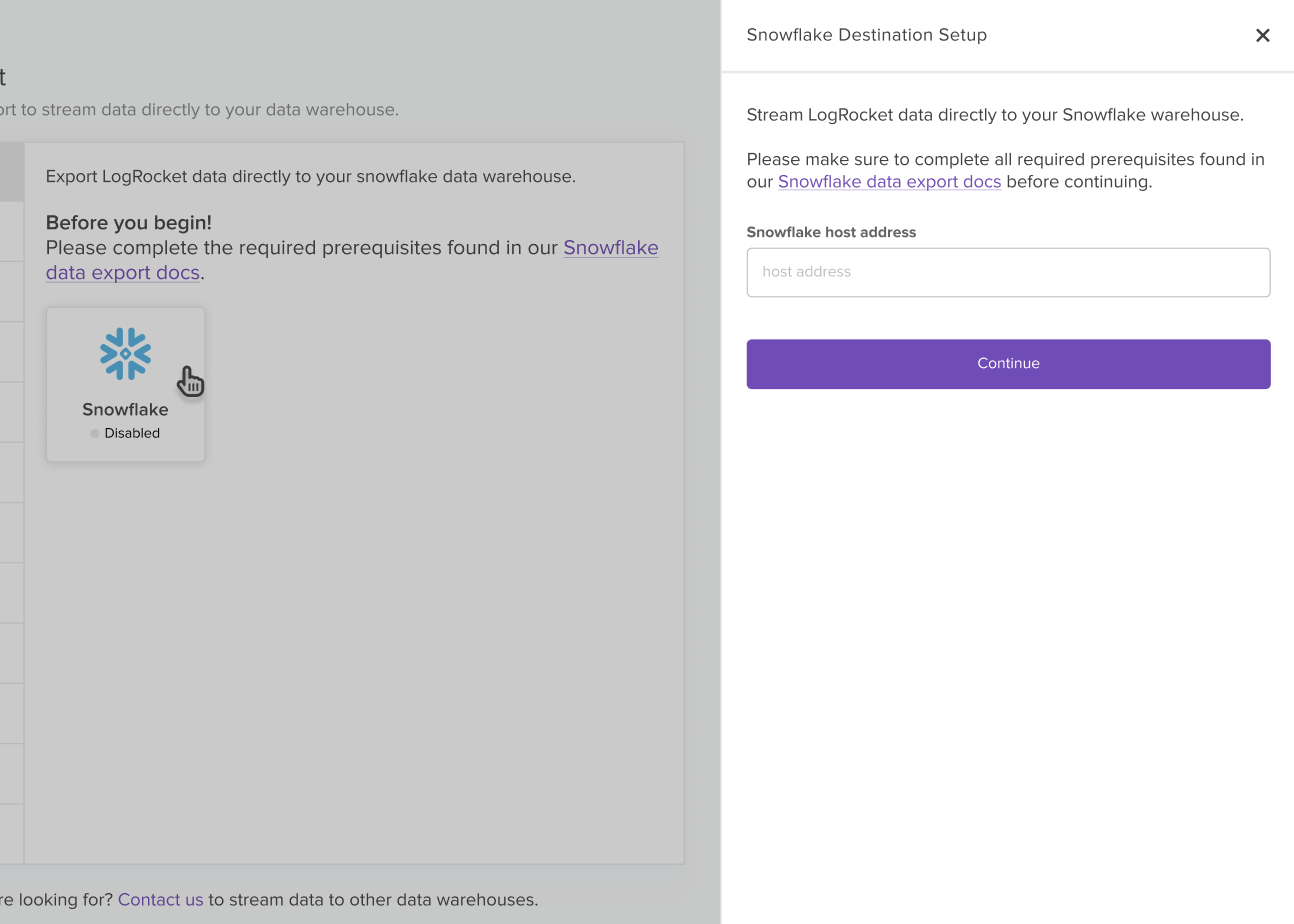
## Step 3: Complete the final setup form
Complete the final setup form and test your connection to your destination. Once the destination is successfully connected, you will be redirected back to the [LogRocket Streaming Data Export Settings](https://app.logrocket/r/settings/streaming-data-export) page.
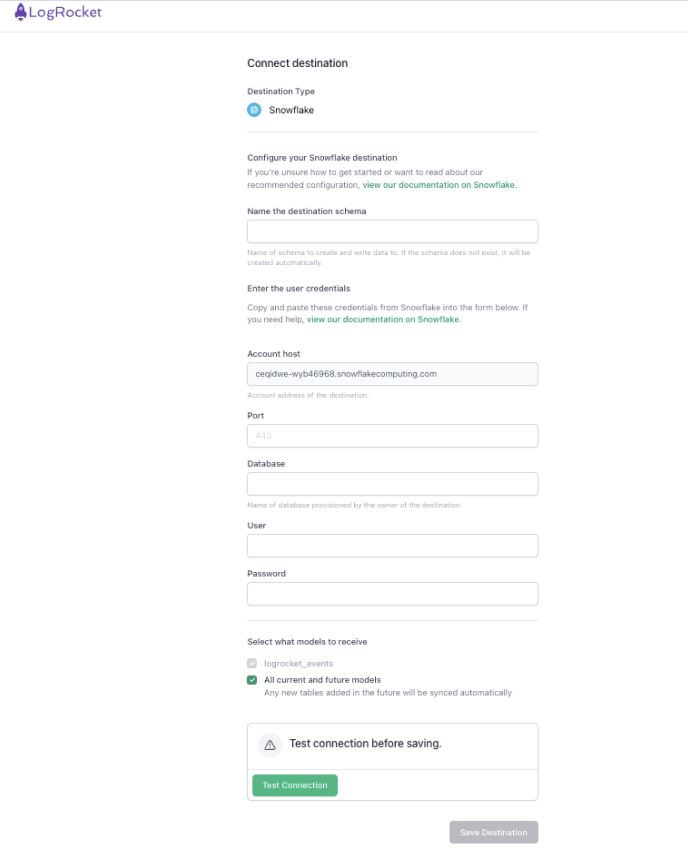
## Step 4: Make sure your destination is enabled
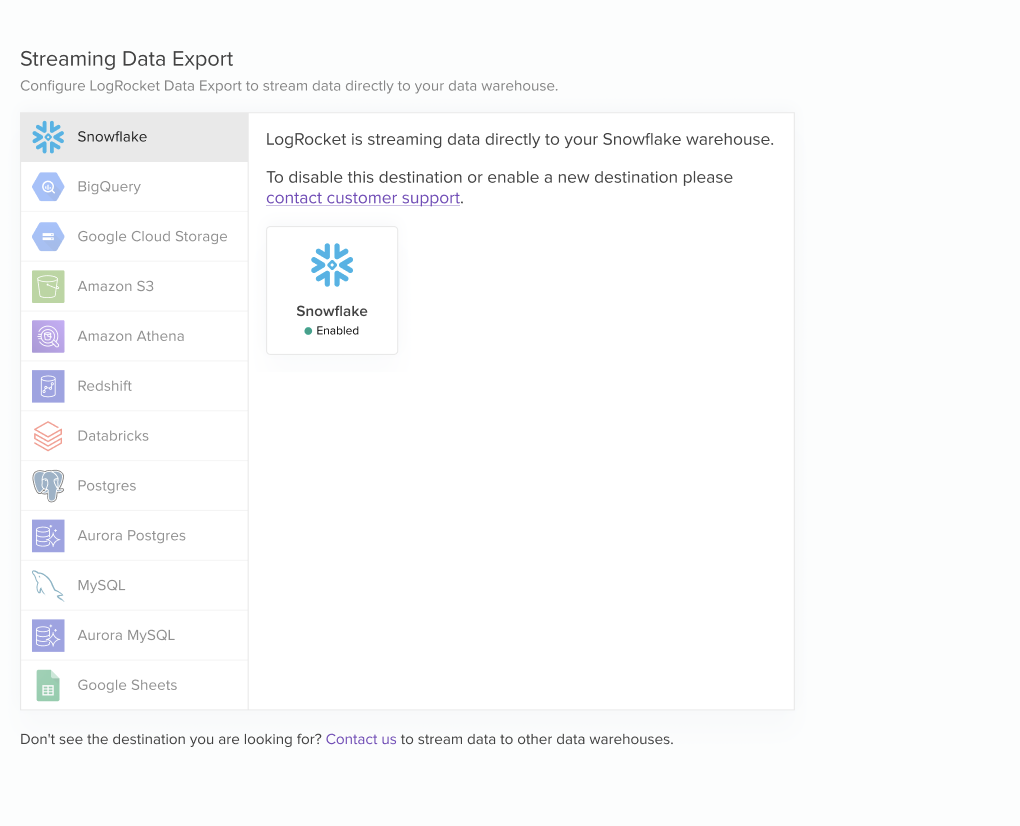
Transfers will start at the top of the next hour. For example, if you configure the destination at 3:15PM, the next transfer will be initiated at 4:00PM. During this time, the destination's status will be "Pending."
Once the first transfer is complete, the destination will be enabled.
Need to reset or change your Streaming Data Export destination? Reach out to and we'll be happy to help!