

Impose Session Limit
Available to Pro and Enterprise Customers
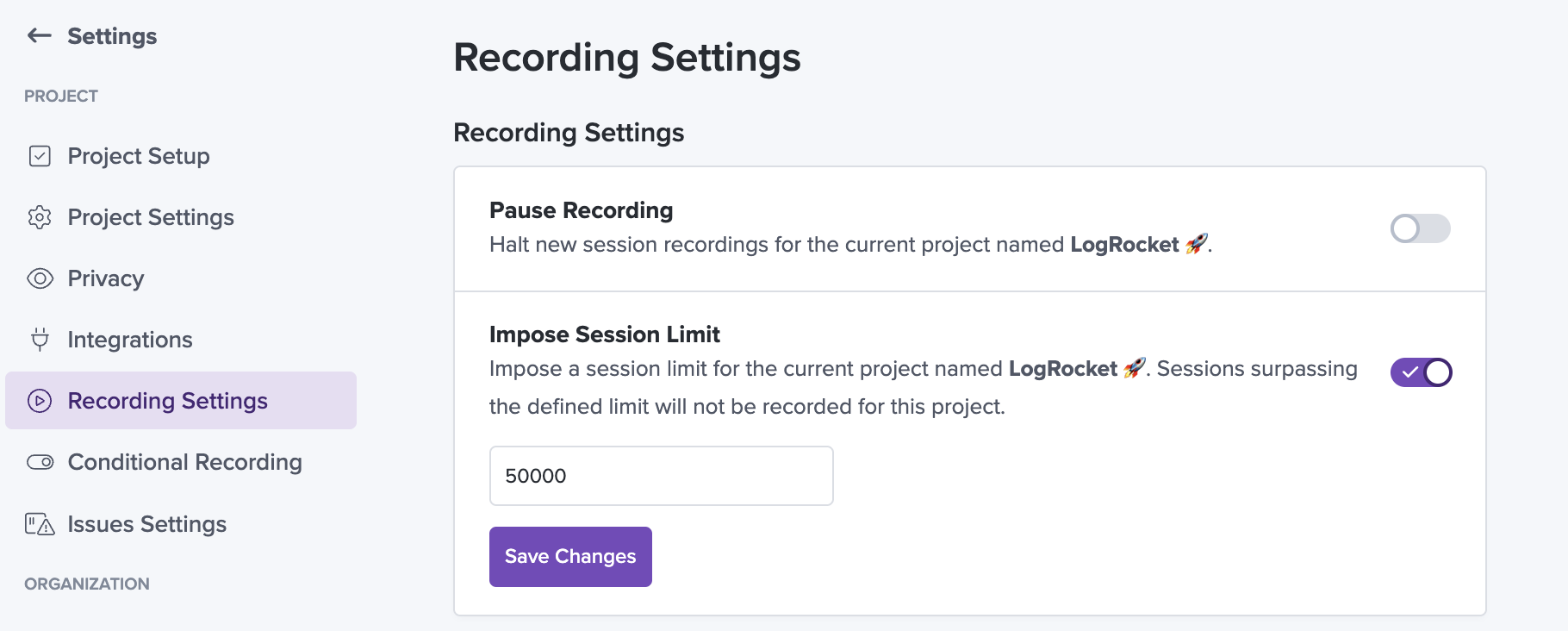
Since session quota is shared by all projects within a LogRocket organization, the "Impose Session Limit" toggle allows you to set a monthly limit for an individual project. Once the imposed limit is reached, LogRocket will stop recording new sessions for that project until the organization's monthly quota is reset. You can view your quota reset date on the Plans page within Settings.
Configuration
This setting can be toggled on and off by users with the Admin role in your organization. It can be found by navigating to the desired project and clicking "Settings" > "Recording Settings".
Troubleshooting
If a specific project stops recording sessions, it's best to verify whether any of the following are true:
- The organization's monthly session quota has been reached
- The project has reached its imposed session limit
- "Pause Recording" is toggled on
Updated 11 months ago
What’s Next
If you have any questions please reach out to [email protected].