

Network Definitions
Network Definitions allow you to persist information from a network request to reuse as a filter throughout the platform.
You may already be capturing business-critical information within various network requests. For example, e-commerce customers may have an 'order' network request that fires when a customer is on the cart or checkout page. This network request may contain information such as the total value of the order, the number of items, and the shipping and tax costs. Although you can instrument this yourself with custom events, you may also want the ability to use this information without needing to deploy a change to your codebase.
Creating a Network Definition
Navigate to a session replay and open the Network & Performance pane. Select a specific network request that contains the information you are interested in tracking.
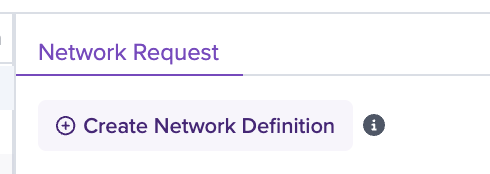
You will notice a 'Create Network Definition' button at the top of the network request. Click this to open up the creation modal:
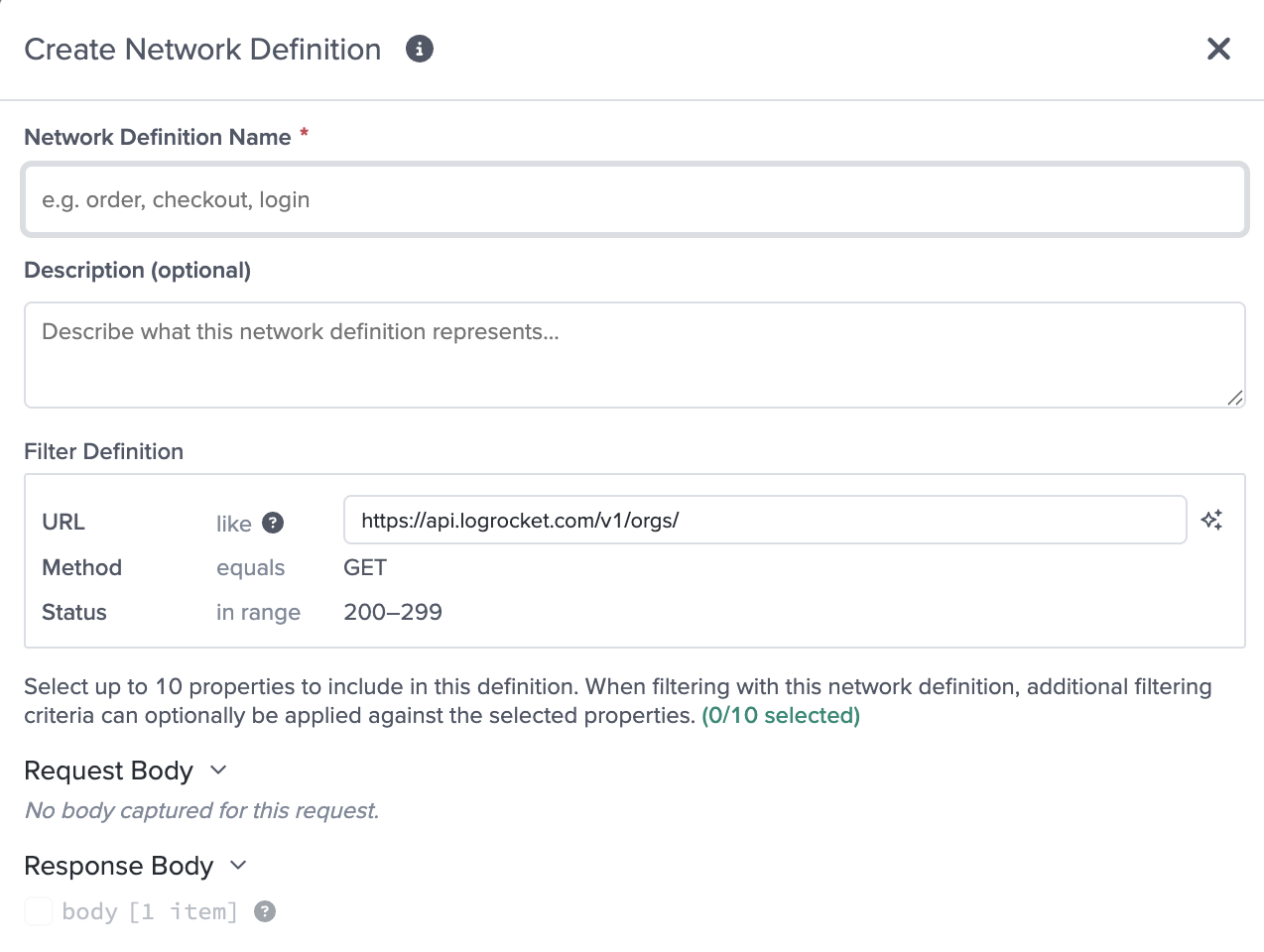
Here, you can name your Network Definition and add a description.
The 'Filter Definition' section is auto populated with information from the current network request, including an AI-suggested URL matching pattern as well as the Method and Status. The Method and Status are currently not editable.
Then, you can select properties that you want to filter on from the Request and Response bodies. For example, if you want to be able to filter on order size and value, you would select these as properties to be persisted as part of the network definition. Note that properties are persisted with dot notation. Properties within arrays are not supported at this point.
Using Network Definitions

Within the filter menus (both in the main search bar and within chart creation), you will see a Network Definition filter. Here, you will be able to select the specific network definition and the properties that you want to filter on.
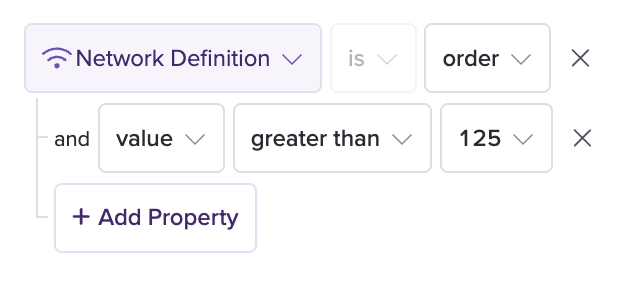
Note that Network Definitions are not fully retroactive - information will be captured and filterable starting from the point the Network Definition is created, with a 1-2 week lookback period.
Updated 4 months ago