

Invoices
Below are the different invoice details available in the LogRocket dashboard
Viewing Past Invoices
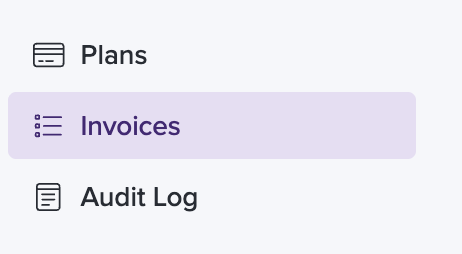
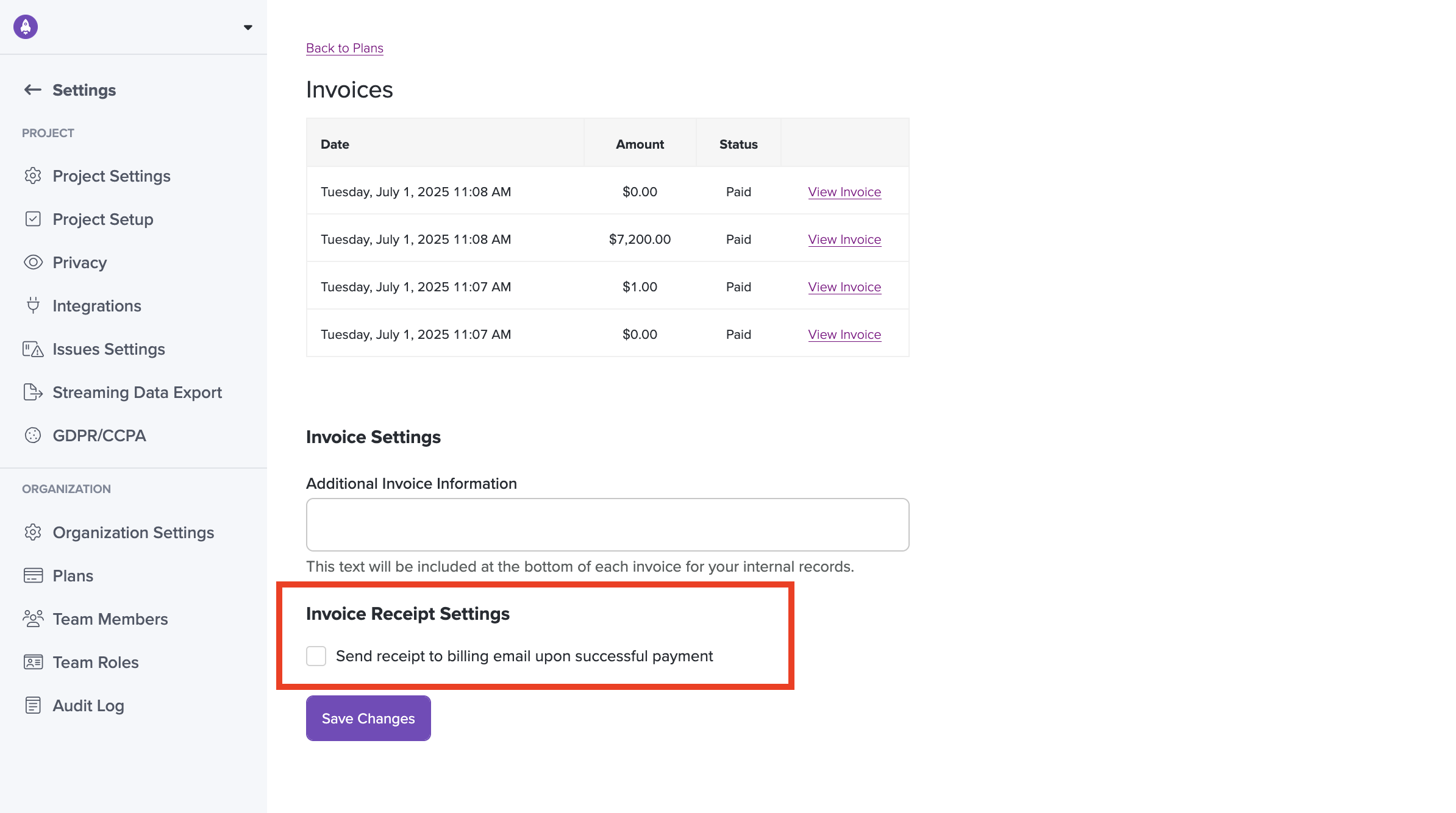
LogRocket admins can view their past invoices on the Invoices page, under Settings.
Enable Emailed Invoice Receipts
- Admins can visit Settings > Plans > "View Invoices" to toggle Invoice Receipts on/off. This will automatically email succesful invoice receipts to your Billing Email.
- Only users with "Admin" permissions are able to access the "View Invoices" link to enable this setting, or update the Billing Email field.
- Billing Email is specified on the Plans page
- You can update your Organization name, under Organization Settings
- A list of your LogRocket Admins can be found on the Team Members page
Add Additional Information to Invoice
Use the text field at the bottom of the Invoice page to add custom details such as:
- Company Address
- Company Name
- "Attn" Details
Updated about 1 month ago