

Recording Settings
Control which sessions LogRocket is capturing
Use the Recording Settings page to pause recordings, impose a session limit, block certain users or locations, and more.
Key features of the Recording Settings page:
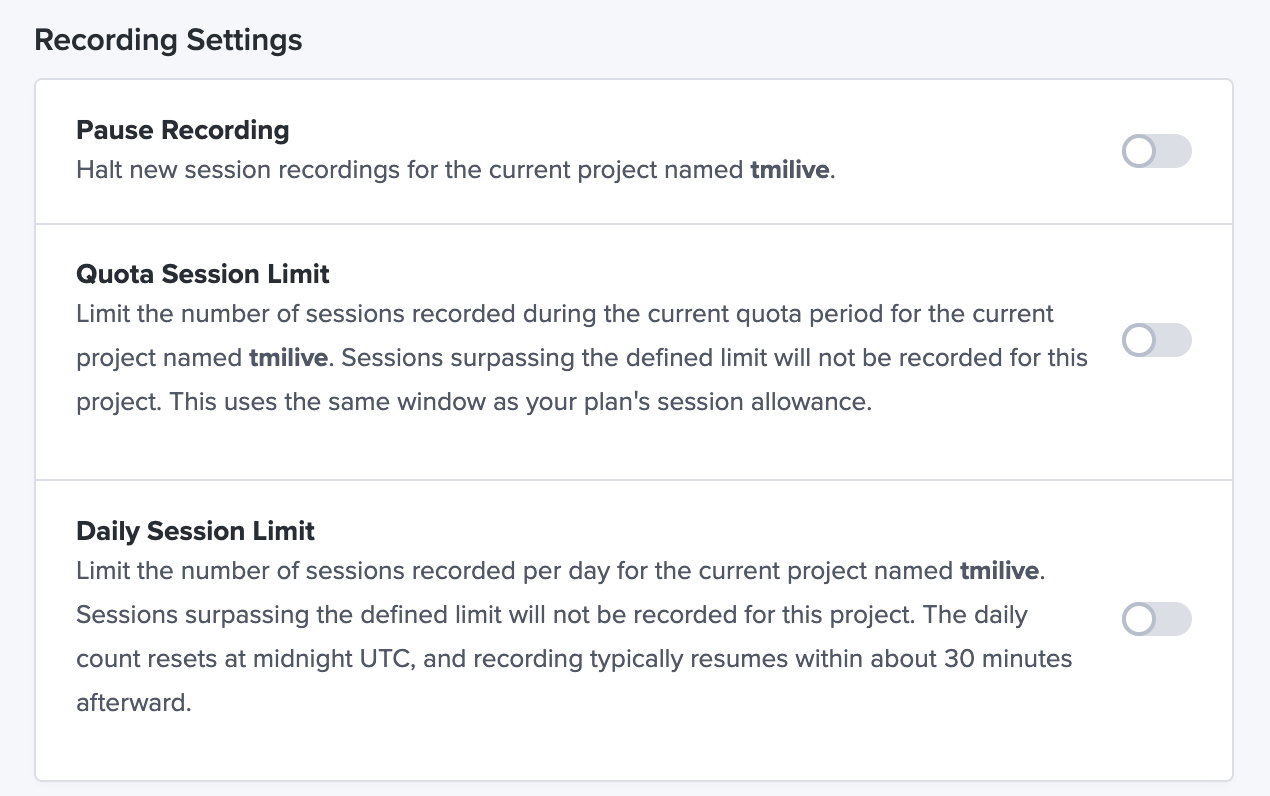
- Pause recording for a project
- Impose session limits for a project
- Impose daily session limit to limit the number of sessions recorded each day for a project
- Allow or block session recordings by continent, country, or US state
- Block sessions by IP address or CIDR range
- Block sessions by your app version
- Block user agents (note that the user agent input field is a "contains" check so you don't need an exact match)
NOTE: only users with ADMIN permissions can access the Recording Settings page. Check your Recording Settings here
Updated about 1 month ago