

Reset My Password
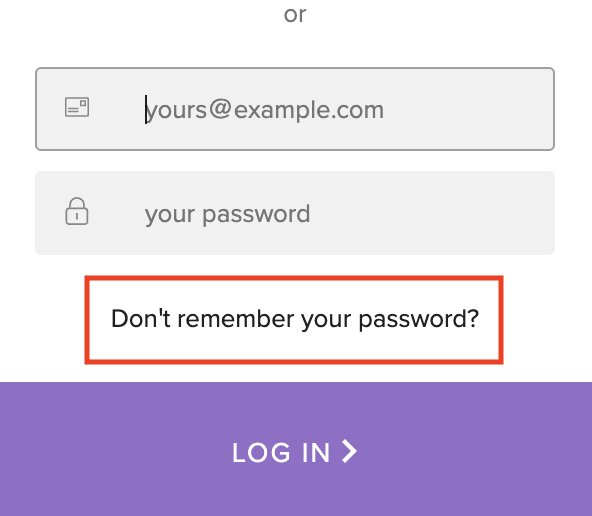
You can reset your password using the "forgot password" flow on the login page.
It's important to note that this will only work if you created your LogRocket account using an email/password. In other words, you will not receive an email to reset your password if you created your LogRocket account using Google, GitHub, Microsoft, or SSO.
If you would like to change how you authenticate into your account (ie change from Google auth to email/password) then you'll need to re-invite your email to join your LogRocket org and sign up using the authentication message you prefer. Once you join your account with the new authentication method, you can delete your previous account on the Team Members page, under Settings.
Updated 7 months ago